

If most of your vendors are based in the same country, it is important to streamline the sign-up process for them. One easy way to do that is by pre-selecting a default country on the vendor registration form.
This small change removes an extra step and makes the onboarding experience smoother for new vendors. Especially, if your marketplace mainly serves one region.
Why Set a Default Country for Vendor Registrations?
Your vendor registration form is one of the first touchpoints for potential sellers. Every additional step in the form increases the chance of abandonment.
By automatically selecting the country most vendors belong to, you:
- Reduce unnecessary clicks
- Speed up form completion
- Improve the onboarding experience
- Reduce drop-off rates
- Make your marketplace more user-friendly
Small improvements like this can go a long way in improving vendor sign-up conversions.
Does WC Vendors Signup Offer This Feature Natively?
WC Vendors Signup does not include a built-in option to set a default country on the registration form.
The good news is, you can easily add this functionality with a PHP code snippet, even if you’re not a developer.
Step-by-Step Guide: How to Set a Default Country on the Vendor Registration Form
To enable this feature, add the following code to your theme’s functions.php file or a custom snippets plugin, such as the WPCode Lite:
This script will detect your vendor registration page, find the country dropdown, and automatically pre-select your chosen country.
Important Tips Before Using This Code Snippet
1. Make Sure the Correct Vendor Registration Page Is Set
The snippet uses the page ID stored in wcv_signup_registration_page_id which WC Vendors sets automatically.
So you don’t need to change anything unless:
- You’ve manually changed your vendor registration page
- You have multiple vendor registration pages
- You’re using a custom vendor registration using a page builder
Make sure to select the correct page under WC Vendors > Settings > Registration Form.
2. Update the Default Country Code
Change this line in the snippet: $default_country = 'US';
Use any valid ISO 3166-1 alpha-2 country code listed here, such as:
- ‘AU’ – Australia
- ‘GB’ – United Kingdom
- ‘CA’ – Canada
- ‘NZ’ – New Zealand
- ‘DE’ – Germany
You can check out the full list of ISO country codes on Wikipedia, it shows every country code you can use.
How This Tweak Speeds Up Vendor Signups
Once you added the custom snippet to your site:
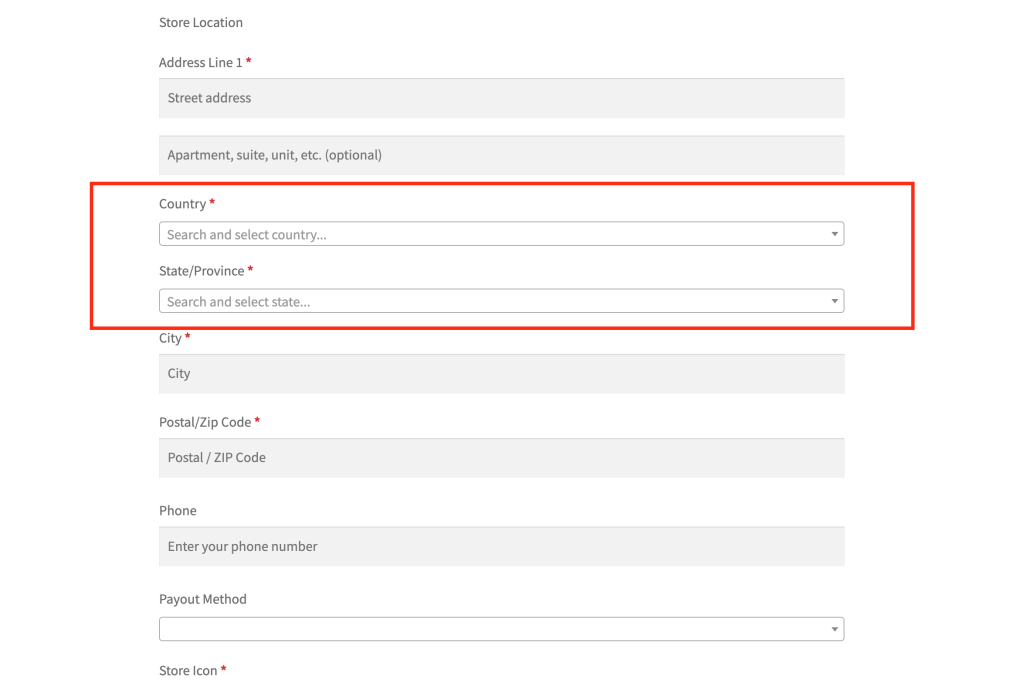
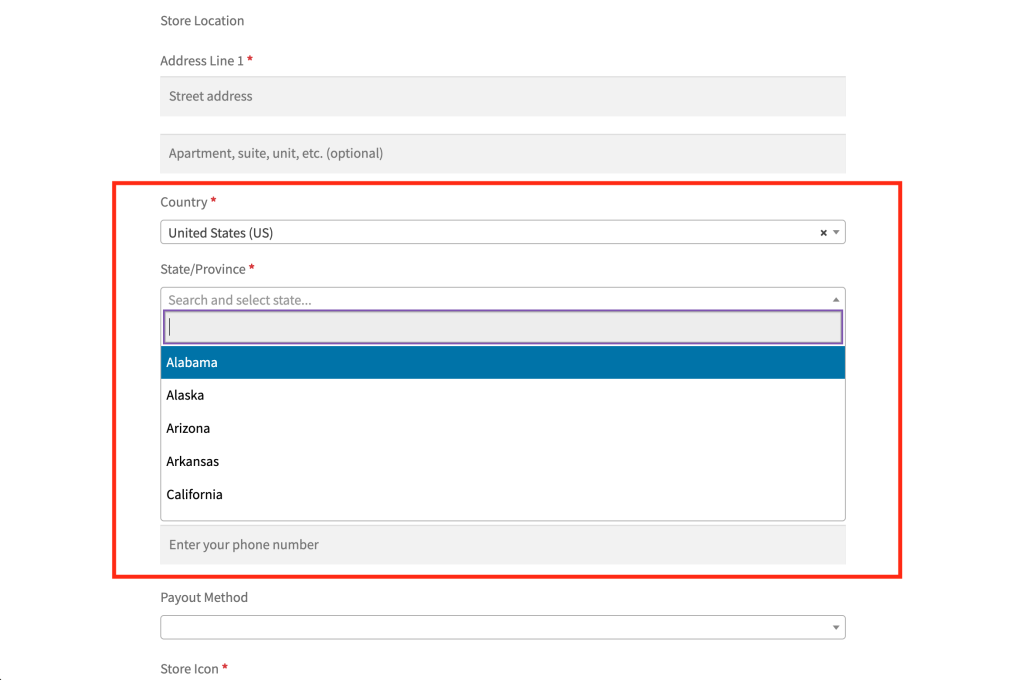
- Your vendor registration form will automatically show your preferred country as selected.
- The State/Province dropdown will also be updated automatically.
- New vendors can complete registration faster.
This little tweak can make a noticeable difference, especially for marketplaces in one region or bringing on a large number of local vendors.
Building a successful marketplace community is no small feat. Even tiny enhancements can move the needle, so this one’s definitely worth paying attention to!