
There are two main paths: use an open-source marketplace platform like WooCommerce with a multi-vendor plugin, or use a SaaS marketplace platform. Both can produce a functional marketplace. The differences are in ownership, cost structure, customization ceiling, and what happens as you scale. Understanding the WooCommerce vs SaaS marketplace trade-off early saves you from a painful migration later.
The platform decision is the most consequential one you’ll make for your marketplace. Choose wrong, and you’re rebuilding in 18 months, after losing momentum, vendor relationships, and budget to the switch. If your use case is B2B wholesale rather than multi-vendor, the same ownership argument applies — our B2B ecommerce platform comparison shows exactly how WooCommerce, Shopify, and BigCommerce stack up on cost and control.
According to Statista, ecommerce revenue is projected to grow at an annual rate of 7.83% through 2029, reaching $6.48 trillion. According to W3Techs, WordPress powers 42.6% of all websites, while WPFactory reports that WooCommerce holds approximately 33% of the global ecommerce market share, with over 4.5 million active stores. WPFactory sells plugins into that market too, though its catalog holds no multi-vendor product — here’s why WPFactory’s catalog is no marketplace alternative.
I’ve evaluated both approaches across multiple marketplace setups, including a direct comparison of Sharetribe and WooCommerce + WC Vendors for the same project spec.
Quick Comparison Table: WooCommerce Vs SaaS Marketplace Platforms
| Platform | Monthly Cost | Transaction Fee | Ownership | Customization | Best For |
|---|---|---|---|---|---|
| WooCommerce + WC Vendors | $20–100 (hosting) + $8/mo (WCV Pro) | None (Stripe fees only) | Full | Unlimited | Most owner-operators |
| Sharetribe | $99–$299/mo | None | None | Limited to Sharetribe framework | Peer-to-peer / rental marketplaces |
| CS-Cart Multi-Vendor | $1,500 once + ~$50/mo hosting | None | Full | High | Technical teams, complex needs |
| Shopify + apps | $79–$399/mo Shopify + $30–100/mo app | Shopify 0.5–2% + app varies | None | Limited by Shopify + app | Existing Shopify stores |
The Core Trade-Off: WooCommerce Vs SaaS Marketplace Simplicity
Every platform decision for a marketplace comes down to this:
SaaS platforms give you a faster start. You’re deploying on someone else’s infrastructure, using their pre-built marketplace logic. You don’t manage servers, updates, or backups. The trade-off: you’re renting. You can’t modify the core, your data sits in their infrastructure, and your costs scale with the SaaS pricing model, whether or not your marketplace grows.
Self-hosted platforms (WooCommerce + WC Vendors) require more upfront setup. You manage hosting, configure plugins, and make more decisions at the start. The trade-off is the other direction: you own the platform completely. No transaction fees to the platform, and customization ceiling. No risk of the SaaS company changing pricing, deprecating features, or shutting down.
For most marketplace builders evaluating WooCommerce vs SaaS marketplace options, the self-hosted ownership advantage compounds over time. The faster SaaS launch is real, but it’s a one-time advantage. The ownership and cost advantages of self-hosting are permanent.
The SEO Advantage: Why It Matters In The WooCommerce Vs SaaS Marketplace Decision
Most marketplace builders focus on features and pricing when comparing platforms. But organic search traffic is often the primary driver of growth for marketplaces, and your platform choice directly impacts how well your marketplace ranks.
WordPress and WooCommerce have a structural SEO advantage over SaaS platforms. According to Ahrefs, WordPress-powered sites consistently appear among the most-visited websites globally. The reasons are architectural: WordPress gives you full control over URL structures, metadata, schema markup, internal linking, page speed optimization, and content publishing. All of which are critical ranking factors.
SaaS marketplace platforms like Sharetribe give you limited control over these elements. You can style your pages, but you can’t control how URLs are structured, how product schema is implemented, or how vendor store pages are indexed. As Google’s own SEO starter guide makes clear, technical SEO fundamentals, such as clean URLs, structured data, fast page loads, and mobile optimization, are the foundation of organic visibility.
For any marketplace that plans to rely on organic traffic for growth (and most do), the WooCommerce vs SaaS marketplace SEO gap alone can justify the self-hosted approach. Your vendor store pages, product listings, and category pages all benefit from WordPress’s SEO infrastructure, and that advantage compounds with every page you publish.
WooCommerce + WC Vendors: Best Overall
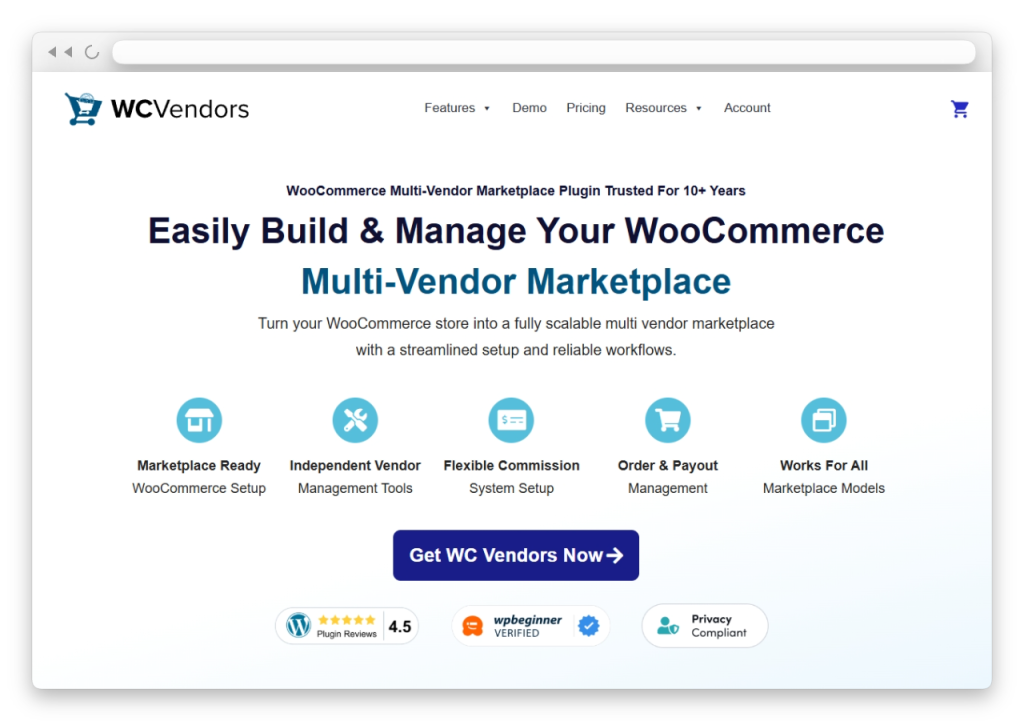
What you get:
- Full platform ownership — your data, your codebase, your infrastructure
- No platform transaction fees — Stripe charges processing fees (~2.9% + $0.30); WooCommerce and WC Vendors don’t add a layer on top
- Unlimited customization — any WooCommerce extension, any WordPress plugin, custom development without restriction
- The WordPress ecosystem — according to WordPress.org, over 59,000 plugins are available, backed by one of the largest open-source developer communities in the world
- Native SEO architecture — WordPress/WooCommerce is built for SEO in a way hosted SaaS platforms often aren’t
- Flexible commission structures — WC Vendors Pro supports different commission types including percentage, fixed, tiered by sales volume, and tiered by product price
- Automated vendor payouts — Stripe Connect integration splits payments automatically at checkout with configurable payout schedules
What it costs (Year 1 estimate):
| Item | Cost |
|---|---|
| Managed WordPress hosting | $240–$1,200/yr |
| WC Vendors Pro | $99.50/yr |
| WooCommerce | Free |
| WordPress | Free |
| Domain | $15–20/yr |
| Total Year 1 | ~$355–$1,320/yr |
What it requires:
More setup time than SaaS. You’ll invest time in initial configuration: hosting, WordPress, WooCommerce, WC Vendors, commission structure, vendor registration, and payment integration. If you want a step-by-step walkthrough, our guide to building a multi-vendor ecommerce website covers the entire process. These are configuration tasks, not development work, but they do require an upfront time investment.
See our comparison of WooCommerce multi-vendor plugins for the full breakdown of plugin options within the WooCommerce ecosystem.
For that managed WordPress hosting line, our go-to on the WooCommerce path is Levamo (formerly Rapyd Cloud) — hosting purpose-built for the database-heavy load of a multi-vendor marketplace. Plans start at $29/month, with free migration and no traffic-based overage fees, so you get marketplace-grade performance without paying enterprise prices to launch.
Sharetribe
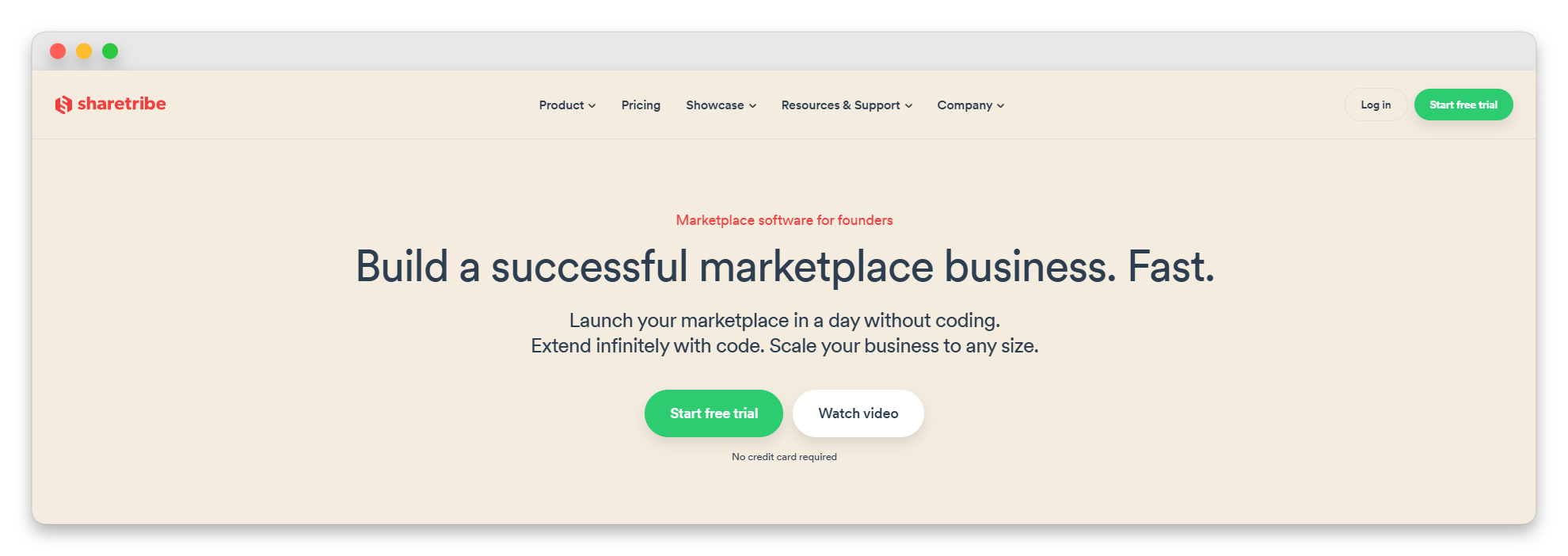
Sharetribe is a purpose-built SaaS platform designed for two-sided marketplaces, including peer-to-peer rentals, service bookings, and local goods marketplaces. If your use case fits their model closely, Sharetribe is genuinely fast to launch.
Strengths:
- Pre-built marketplace logic (search, booking, payments, reviews) out of the box
- No technical setup required — you’re deploying, not building
- Good for rental and service marketplaces specifically
- Responsive support for their platform
Limitations:
- $99–$299/month at current pricing.
- Customization is restricted to what Sharetribe’s framework allows. You can style it, though you can’t fundamentally change how it works.
- Data portability: your vendor and transaction data are in Sharetribe’s infrastructure.
- For product-focused marketplaces (physical goods, digital downloads), Sharetribe is not the natural fit.
- No equivalent to WC Vendors’ tiered commission levels. Commission flexibility is limited to what the framework provides.
Cost at Year 3 (Sharetribe Growth plan, $299/month): ~$10,764 in platform fees alone, not including any custom development required to work around limitations.
CS-Cart Multi-Vendor
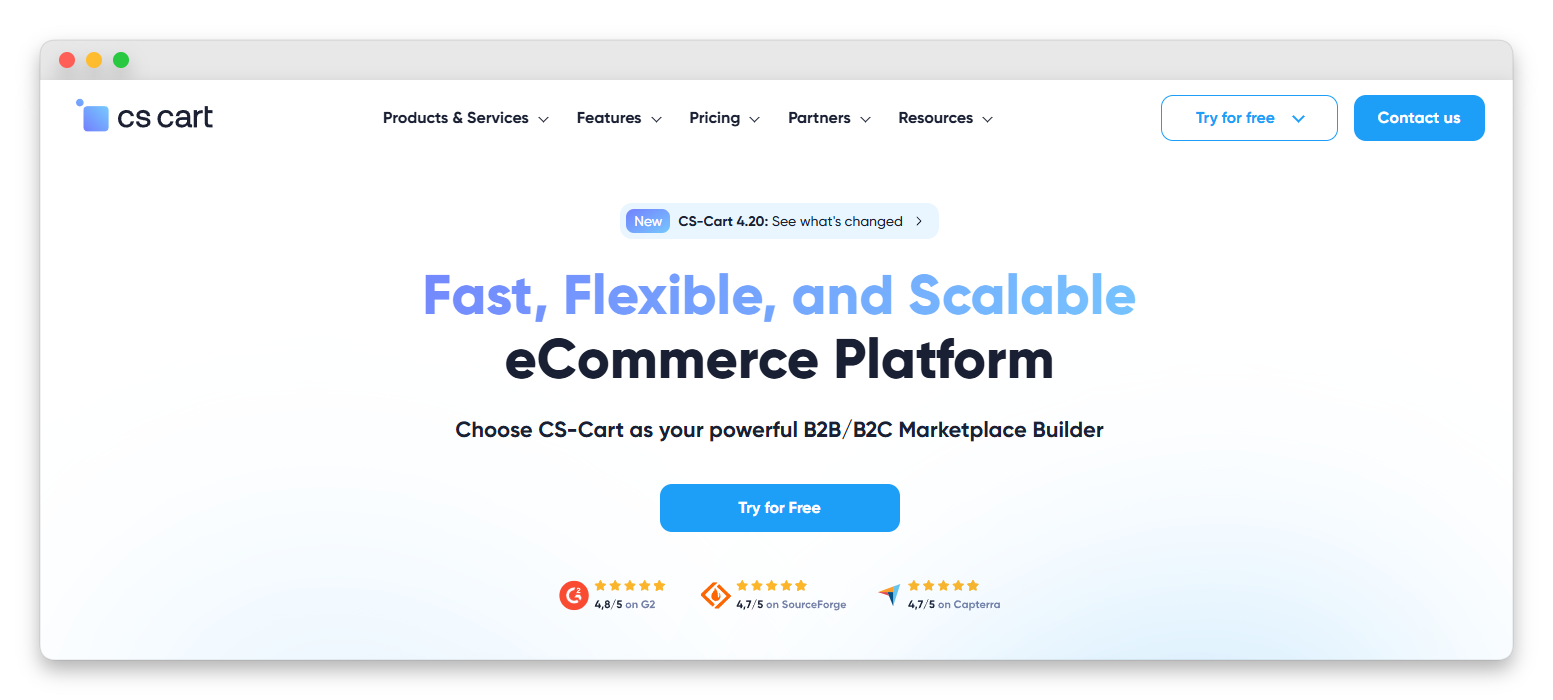
CS-Cart Multi-Vendor is downloadable marketplace software with a one-time licence fee and self-hosting requirements. It’s a legitimate alternative to WooCommerce for technical teams who want a purpose-built multi-vendor platform rather than WooCommerce + plugin.
Strengths:
- One-time licence, no ongoing platform fee
- Purpose-built multi-vendor functionality (stronger out-of-the-box than WooCommerce for specific marketplace features)
- Full ownership like WooCommerce
Limitations:
- Significantly smaller ecosystem than WooCommerce — fewer extensions, smaller developer community
- Higher initial cost ($1,500 vs. WC Vendors Pro at $99.50/yr)
- Less established SEO architecture than WordPress/WooCommerce
- The learning curve is steeper for non-technical users
When CS-Cart makes sense: Technical teams building highly customized marketplace platforms who find WooCommerce’s architecture limiting. For most owner-operators evaluating WooCommerce vs SaaS marketplace options, WooCommerce + WC Vendors offers a better cost-to-capability ratio.
Shopify + Multi-Vendor Apps
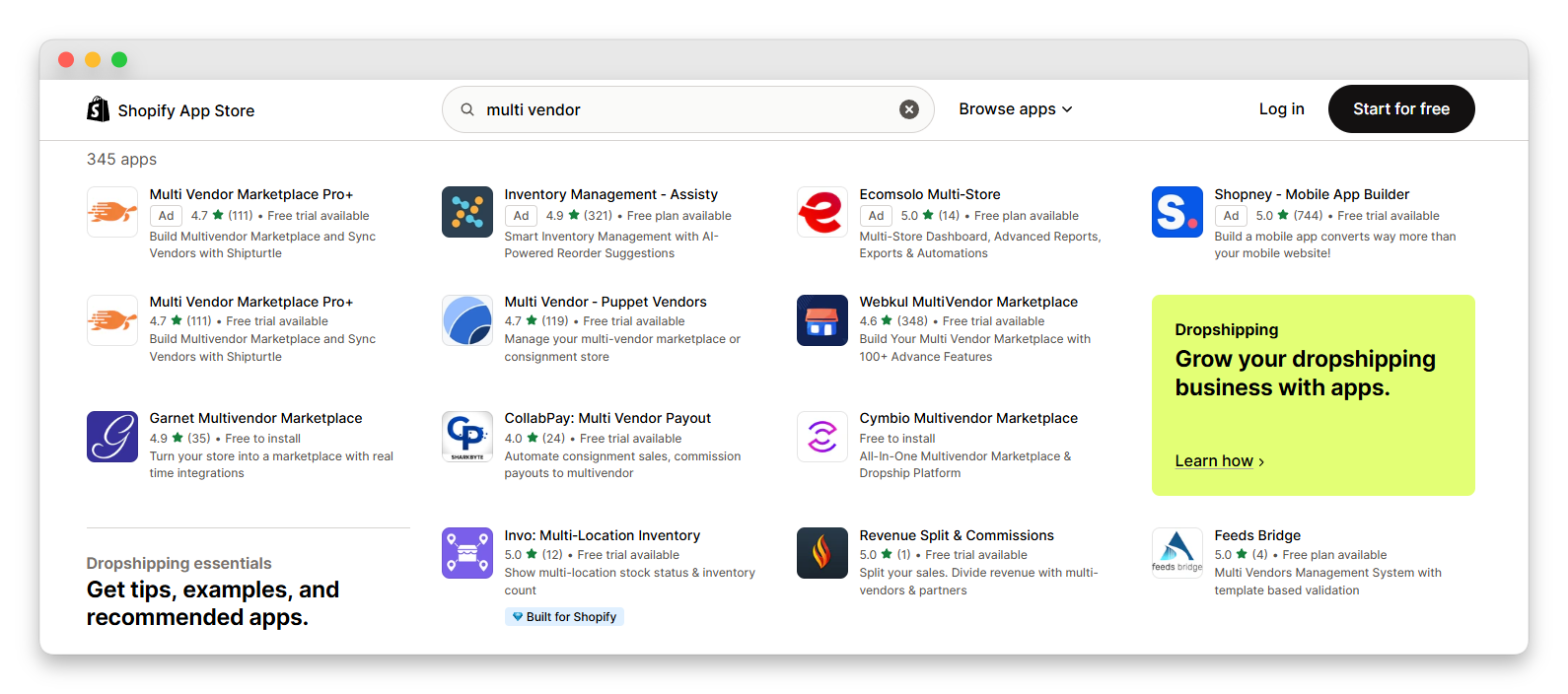
Shopify is a good eCommerce platform. It’s not a purpose-built marketplace platform, and the multi-vendor layer is added via third-party apps.
Strengths:
- Shopify’s core eCommerce UX is polished and reliable
- If you’re already running a Shopify store, the barrier to testing multi-vendor is low
Limitations:
- Transaction fees stack: Shopify’s base plan charges 0.5–2% per transaction (on top of payment processor fees) if you don’t use Shopify Payments; multi-vendor apps add another layer of complexity.
- Vendor dashboard quality varies significantly by app; this is not native Shopify functionality.
- Payout automation for vendors is weaker than WC Vendors’ native Stripe Connect integration.
- Customization is bound by Shopify’s architecture; you don’t own your codebase.
Cost comparison (Shopify Advanced + multi-vendor app):
- Shopify Advanced: $399/month ($4,788/yr)
- Multi-vendor app: $30–100/month ($360–$1,200/yr)
- Total Year 1: ~$5,148–$5,988
Compare to WooCommerce + WC Vendors at ~$355–$1,320/yr. In the WooCommerce vs SaaS marketplace cost analysis, the difference is stark, and it widens every year.
Hidden Costs SaaS Platforms Don’t Advertise
SaaS pricing pages show monthly fees. They rarely show the hidden costs that emerge over time:
- Feature gating: Core marketplace features (advanced commissions, vendor analytics, Stripe Connect) are often locked behind higher-tier plans. What starts as a $99/month plan quickly becomes $299/month once you need the features your marketplace actually requires.
- Migration costs: If you outgrow a SaaS platform, migrating to a new one is expensive, both in direct costs (development, data migration, redirect setup) and indirect costs (lost vendor trust, SEO disruption, downtime). Our Dokan migration guide shows the complexity involved even when moving between WooCommerce plugins — moving off a SaaS platform entirely is significantly harder.
- Workaround development: When a SaaS platform can’t do what you need, you either wait for them to build it or pay a developer to build a workaround within the SaaS constraints. That workaround often costs more than the feature itself would have cost on an open platform.
- Data lock-in: Your vendor data, transaction history, and product catalog are in someone else’s database. If the SaaS company changes pricing, removes features, or shuts down, your options are limited.
With WooCommerce + WC Vendors, none of these hidden costs apply. You own everything. Your vendor dashboard, commission data, product catalog; it’s all in your database, on your server.
Total Cost Comparison: Year 1 Vs. Year 3
Here’s what the WooCommerce vs SaaS marketplace cost difference looks like in practice (estimated pricing for a marketplace with 50 vendors doing approximately $500K GMV):
| Platform | Year 1 Cost | Year 3 Cost | Notes |
|---|---|---|---|
| WooCommerce + WC Vendors | ~$500–$1,500 | ~$1,500–$4,500 | Hosting scales with traffic; platform costs stable |
| Sharetribe (Growth) | ~$3,588 | ~$10,764 | $299/mo flat; no transaction fees |
| Shopify Advanced + app | ~$5,500–$6,000 | ~$16,500–$18,000 | Transaction fees add up significantly at $500K GMV |
| CS-Cart Multi-Vendor | ~$2,000–$2,500 | ~$3,000–$4,000 | One-time licence + hosting |
At Year 3 and $500K, WooCommerce + WC Vendors is significantly more cost-efficient than SaaS alternatives. The savings compound as GMV grows.
Conclusion: WooCommerce Vs SaaS Marketplace
After evaluating all the options side by side, WooCommerce + WC Vendors stands out as the recommended platform for most marketplace builders. The reason isn’t a single factor; it’s the combination of full ownership, zero platform transaction fees, unlimited customization, superior SEO architecture, and a total cost of ownership starting at $355/year.
What makes WC Vendors the right plugin for this approach is how closely it aligns with what marketplace owners actually need day to day: a clean vendor dashboard that keeps sellers productive, flexible commission structures that grow with your business, automated Stripe Connect payouts that eliminate manual payment processing, and a WooCommerce-native architecture that means your marketplace works with the same themes, plugins, and developer ecosystem that powers millions of online stores worldwide.
Here is a quick recap of everything we covered in this WooCommerce vs SaaS marketplace comparison:
If you’re looking for an open source marketplace platform you’ll never outgrow, start with WC Vendors free today and experience the difference for yourself.
Frequently Asked Questions
Can I migrate from a SaaS platform to WooCommerce later if I need to?
You can, but migrations are painful. Product data, vendor accounts, order history, and reviews don’t transfer cleanly between platforms. If you’re considering WooCommerce, starting there is significantly easier than migrating to it after launching on SaaS.
Do WooCommerce multi-vendor plugins charge transaction fees?
WC Vendors does not charge transaction fees. Stripe charges standard payment processing fees (~2.9% + $0.30 per transaction). You pay for hosting and the WC Vendors Pro licence ($99.50/yr). No percentage of your GMV goes to the platform unlike SaaS alternatives that may have transaction fee structures at higher tiers.
What if I outgrow WooCommerce?
WooCommerce powers some of the largest eCommerce operations in the world — the platform itself has no practical ceiling for most marketplaces. What you might outgrow is specific hosting infrastructure or plugin configurations, but those are solvable at the infrastructure level. The platform architecture scales.
Which is better for SEO — WooCommerce or SaaS marketplace platforms?
WooCommerce, built on WordPress, has the strongest SEO architecture among the options in this comparison. You get full control over URLs, meta tags, schema markup, sitemaps, page speed, and content publishing. SaaS platforms give you limited control over these elements. For marketplaces that depend on organic traffic, this is one of the most important factors in the WooCommerce vs SaaS marketplace decision.
Can I start with the free version of WC Vendors?
Yes. WC Vendors Marketplace (free) includes vendor registration, a vendor dashboard, percentage-based commissions, and support for all standard WooCommerce product types. You can test the full marketplace flow before upgrading to Pro for advanced commission types, Stripe Connect, and the enhanced vendor dashboard.

