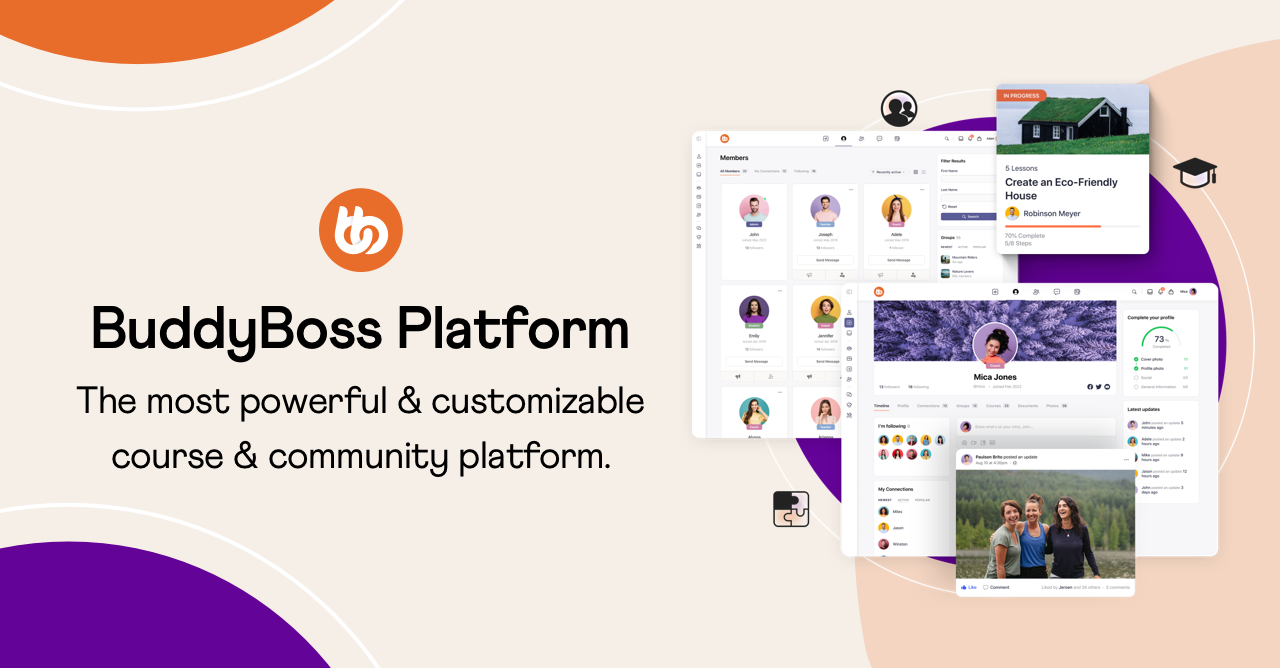
BuddyBoss Platform turns WordPress into a full community site, with member profiles, a member directory, groups, an activity feed, private messages, notifications and forums. With WC Vendors Pro, your marketplace and your community become one site, so vendors are members your customers can follow, message and talk to.
Once BuddyBoss Platform is active, WC Vendors Pro connects the two automatically. Each feature has its own switch under WC Vendors > Settings >> BuddyBoss, so you only turn on the parts your marketplace needs.
Key features for your marketplace
- Vendor Store tab: every vendor’s BuddyBoss profile gets a Store tab with their rating, sales and product counts, latest products, recent reviews and a Visit Store button.
- Vendor profile type: approved vendors get a Vendor member type automatically, so customers can filter the member directory to show only vendors.
- Vendor groups: create or link a BuddyBoss group for each vendor, with the option to create one automatically when a vendor is approved.
- Activity stream: new products and new reviews appear in the activity feed, with bursts of activity rolled up into a single update.
- Notifications: vendors get BuddyBoss notifications for approval, new orders and new reviews, either straight away or as an hourly or daily digest.
- Messaging: messages customers send through the vendor contact form arrive in the vendor’s BuddyBoss inbox.
- Vendor forums: vendors can switch on a forum for their own store, giving their customers a place to ask questions and talk.
Vendors stay in control too. They choose their forum and notification digest settings from the BuddyBoss tab in their store settings in the WC Vendors Pro dashboard.
The integration is part of WC Vendors Pro 2.0.9 and later and needs BuddyBoss Platform 2.5.0 or later. The vendor directory filter also needs the BuddyBoss Profile Types feature turned on.