

If Dokan’s pricing or module costs have you searching for the best Dokan alternatives, you’re not alone. The five best Dokan alternatives for WooCommerce marketplaces in 2026 are WC Vendors, WCFM Marketplace, MultiVendorX, YITH WooCommerce Multi Vendor, and WooCommerce Product Vendors. Each takes a different approach to vendor management, commission structures, and marketplace features, but one stands clearly above the rest. WC Vendors is the strongest option for store owners who want unlimited vendors, flexible commissions, and built-in Stripe Connect payments at a lower price point than Dokan.
According to Statista, marketplaces now account for over 60% of global retail e-commerce sales. And as Forrester’s 2025 Online Marketplace Tracker reports, 63.5% of B2C online retail sales in 2024 happened through marketplaces. Choosing the right multi-vendor plugin to power your WooCommerce store has never been more critical.
This guide breaks down each of the best Dokan alternatives, covering their strengths, pricing, and ideal use cases so you can pick the right multi-vendor plugin for your WooCommerce store.
Quick Comparison: Best Dokan Alternatives At A Glance
| Plugin | Best For | Starting Price | Vendor Limit |
|---|---|---|---|
| WC Vendors | Full-featured marketplaces with flexible commissions | Free / $99.50/yr (Pro) | Unlimited |
| WCFM Marketplace | Free alternative with broad feature set | Free | Unlimited |
| MultiVendorX | Niche and rental marketplaces | Free / Paid plans available | Unlimited |
| YITH WooCommerce Multi Vendor | Stores already using YITH plugins | Free / Paid plan available | Unlimited |
| WooCommerce Product Vendors | Simple vendor setups needing official WooCommerce support | $79/yr | Unlimited |
Among the best Dokan alternatives listed above, WC Vendors is the only plugin that combines unlimited vendors, five commission types, and built-in Stripe Connect payments at the lowest Pro price point. Let’s break down each option in detail.
1. WC Vendors: Best Overall Dokan Alternative
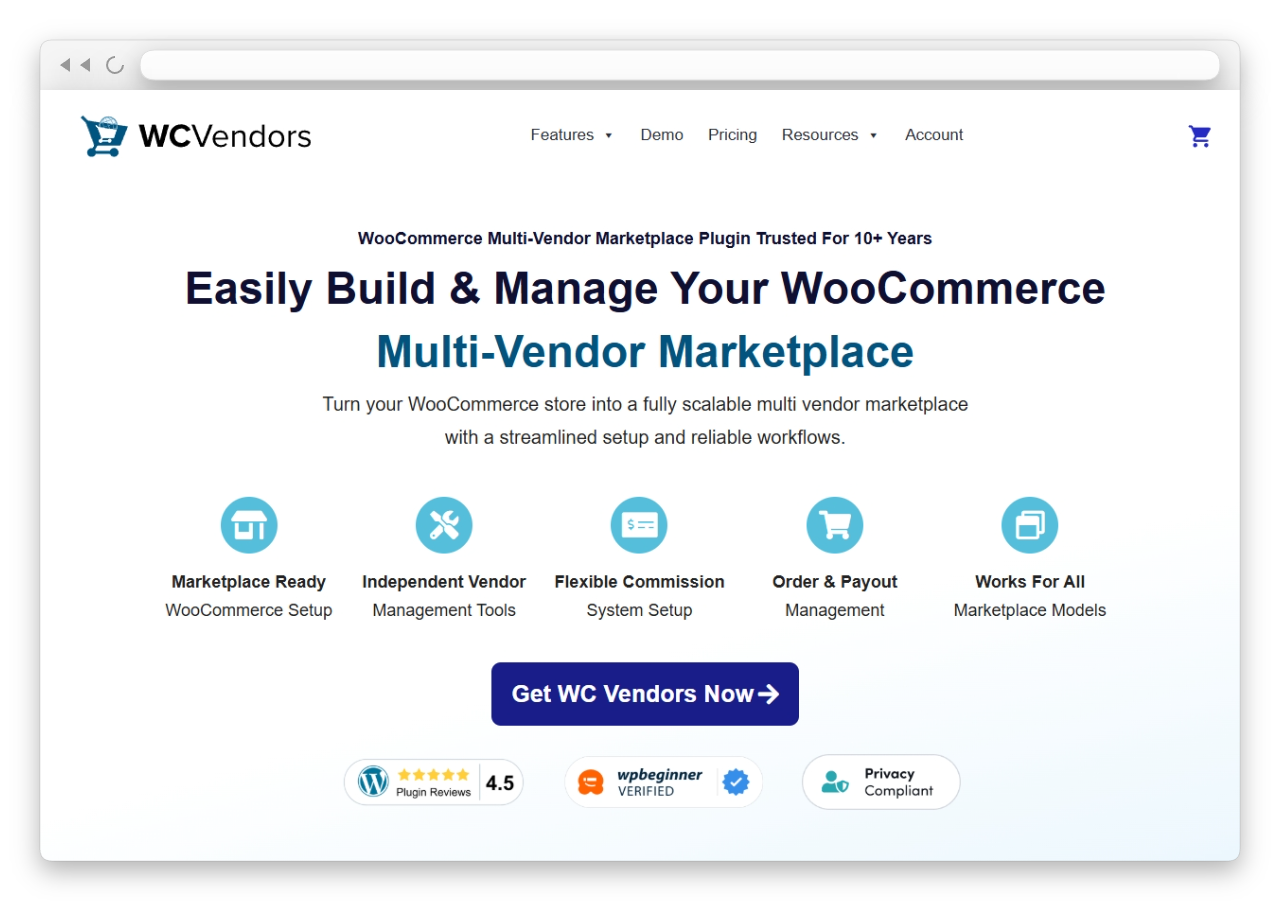
WC Vendors is the most complete option among the best Dokan alternatives for WooCommerce marketplace owners who need real flexibility over commissions, payments, and product types. With over 10,000 active marketplaces, 750,000+ free downloads, and more than 10 years of development, it’s the most established multi-vendor plugin in the WooCommerce ecosystem. WPBeginner ranks it as their #1 pick for WooCommerce multi-vendor plugins.
Commission structures that actually scale
Where Dokan limits commission options at lower tiers, WC Vendors offers five commission types: percentage, fixed, percentage + fee, fixed + fee, and tiered. You can apply these at three control levels (global, per-vendor, and per-product), allowing you to reward top sellers with lower rates while maintaining higher margins for new vendors. This kind of granularity is something Dokan reserves for its more expensive plans. For a deeper look at how to leverage these structures, check out our guide on the benefits commission levels offer marketplaces.
Built-in Stripe Connect for vendor payouts
Stripe Connect comes included with WC Vendors Pro at no extra cost. Vendors connect their own Stripe accounts, and payouts happen automatically when orders are completed. There’s no need for a separate payment add-on or manual PayPal transfers.
Product types and marketplace flexibility
WC Vendors supports physical products, digital downloads, subscriptions, bookings, and auctions. That range makes it suitable whether you’re building a handmade goods marketplace, a digital product marketplace, or a service booking platform. When I compared the product type support side by side, WC Vendors handled subscription and booking product creation directly from the vendor dashboard, without requiring any additional configuration beyond activating the relevant WooCommerce extension.
Vendor onboarding and dashboard experience
A smooth vendor onboarding process can make or break a marketplace. According to research cited by McKinsey, platforms that offer flexible onboarding and payout schedules see 20% higher seller retention. WC Vendors addresses this directly with a clean vendor dashboard, customizable registration forms, and the ability to auto-approve or manually review vendor applications. Our vendor onboarding guide walks through the entire process step by step.
Follow stores and follower-only offers
WC Vendors Engage adds a follow-and-reward layer to your marketplace, and it is included in the Growth plan with no separate add-on. Customers follow a store in one click and see that vendor’s newest products in a Following Stores feed in their account. Vendors create follower-only discounts that apply automatically at cart and checkout, and they track follower growth from their dashboard.
Pricing
WC Vendors has a free version with core multi-vendor features. WC Vendors Pro starts at $99.50/year (introductory pricing) with unlimited vendors and Stripe Connect included. The Growth plan is $199.50 for the first year and Business is $299.50, and all renewals are at full price (Pro renews at $199). Dokan’s cheapest plan with Stripe payouts is Professional at $249 a year, so WC Vendors Pro costs less at list price every year.
Who it’s best for: Store owners building a marketplace that needs flexible commission structures and automatic vendor payments without paying for a higher plan to get them. If you’re switching from Dokan because of module costs or commission restrictions, WC Vendors is the most direct upgrade. Read our detailed WC Vendors vs Dokan comparison for a side-by-side feature breakdown.
2. WCFM Marketplace
WCFM Marketplace is often cited as one of the best Dokan alternatives because its free version includes features that Dokan reserves for paid tiers.
The plugin uses a modular approach. WCFM (the core frontend manager) handles vendor dashboards, and the separate WCFM Marketplace add-on adds the multi-vendor layer.
However, the trade-offs are worth noting. The learning curve is steeper due to its modular plugin architecture, and some marketplace owners report performance issues as their store scales. The Skolmagi marketplace, for example, migrated from WCFM to WC Vendors and saw a 20% revenue increase, citing faster site performance and a more user-friendly vendor dashboard as key factors. For a deeper comparison, see our WC Vendors vs WCFM breakdown. , or read our full look at why stores switch from WCFM to WC Vendors for the honest trade-offs involved.
Who it’s best for: New marketplace owners who want to test multi-vendor functionality before investing in a premium plugin. Keep in mind that when you’re ready to scale, upgrading to a purpose-built solution like WC Vendors Pro will give you better performance and a cleaner admin experience.
3. MultiVendorX
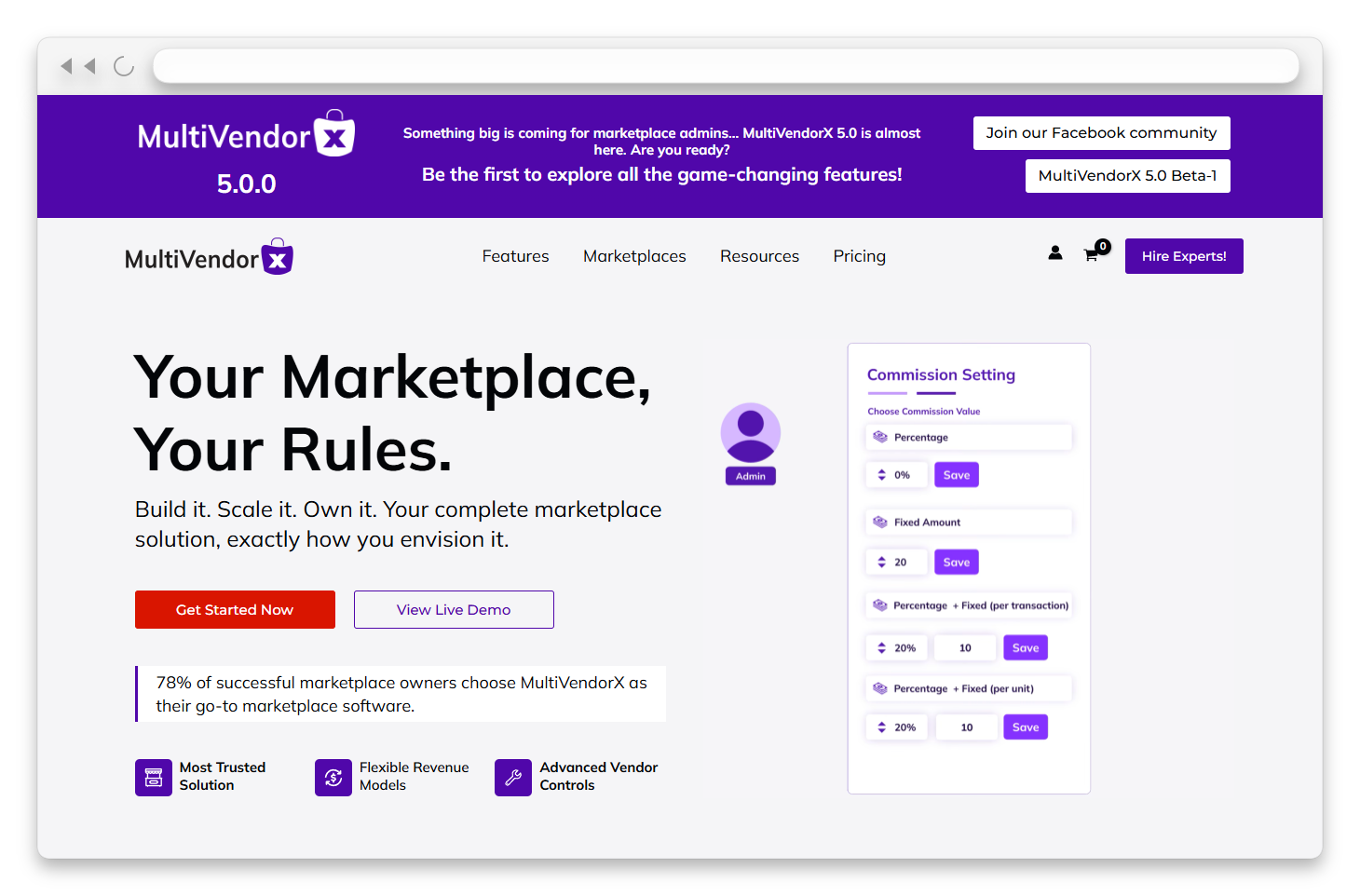
MultiVendorX (formerly WC Marketplace) appears on many lists of the best Dokan alternatives because it has carved out a niche for specialized marketplace types, such as rental- and booking-style products. If your marketplace concept revolves around equipment rentals, event space bookings, or similar time-based products, MultiVendorX has purpose-built workflows for these scenarios. That said, for general-purpose marketplaces, its feature set is narrower than WC Vendors’ offering, particularly in commission flexibility and payment automation.
Who it’s best for: Store owners building specialized marketplaces around rentals, bookings, or niche product categories where the default WooCommerce product model doesn’t quite fit. If you’re building a general-purpose marketplace, WC Vendors provides a broader feature set and a more mature ecosystem. See our WC Vendors vs MultiVendorX comparison for the full picture.
4. YITH WooCommerce Multi Vendor
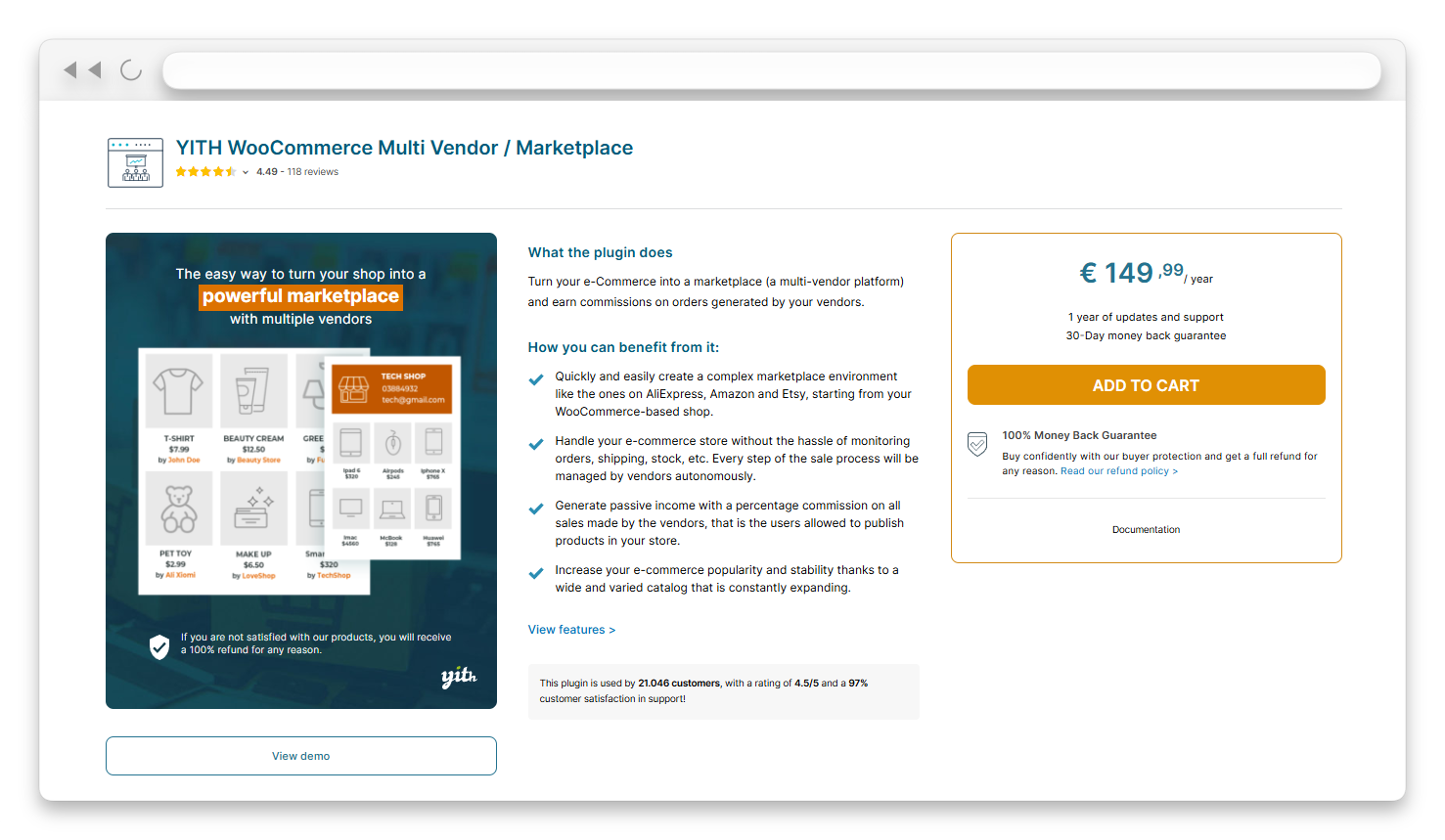
YITH WooCommerce Multi Vendor makes the most sense if your store already uses several YITH plugins. The advantage is tight compatibility across the YITH ecosystem, so your wishlist, advanced reviews, and other YITH extensions work together without compatibility issues.
The trade-off is that YITH’s feature depth for marketplace-specific needs (such as advanced commission structures or vendor payment automation) doesn’t match that of dedicated marketplace plugins. If you’re starting fresh or need granular marketplace controls, a purpose-built plugin like WC Vendors will serve you significantly better. Our WC Vendors vs YITH WooCommerce Multi Vendor comparison covers the key differences.
Who it’s best for: Store owners who already run multiple YITH plugins and want to add multi-vendor functionality without introducing a new plugin ecosystem. For everyone else evaluating the best Dokan alternatives, WC Vendors offers far more marketplace-specific depth.
5. WooCommerce Product Vendors
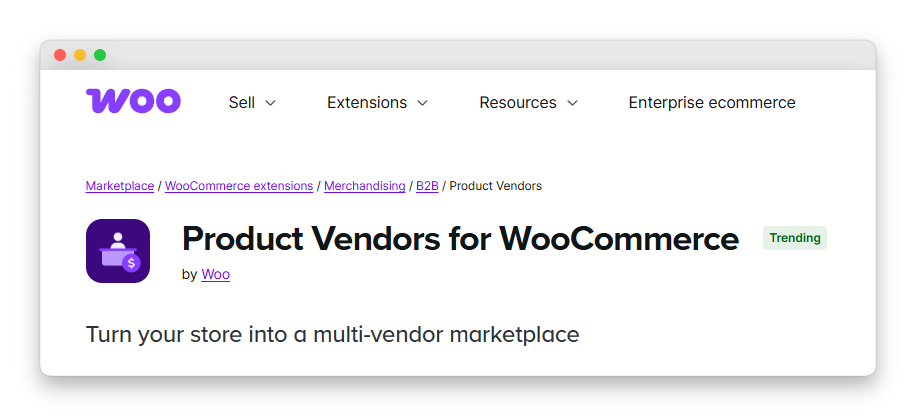
WooCommerce Product Vendors is the official multi-vendor extension from WooCommerce itself. That means guaranteed compatibility with WooCommerce core updates and access to WooCommerce’s support team. It handles the basics: vendor registration, per-product commission rates, and vendor-specific reporting.
The limitation is that “basics” is the operative word. WooCommerce Product Vendors doesn’t include advanced commission tiers, built-in payment splitting, or the kind of vendor dashboard customization that marketplace owners typically need as they grow. It’s a starting point, not a scaling solution. For a detailed feature comparison, read our WC Vendors vs WooCommerce Product Vendors analysis.
Who it’s best for: Store owners who prioritize official WooCommerce compatibility above all else and only need basic multi-vendor features. If your marketplace will have more than a handful of vendors or needs flexible payment structures, you’ll likely outgrow it quickly and find yourself searching for the best Dokan alternatives all over again.
Why Store Owners Switch From Dokan
Dokan is a functional plugin, but recurring friction points push marketplace owners to explore the best Dokan alternatives.
Stripe payouts sit behind a higher plan
Dokan’s Starter plan ($149/year) has no Stripe payout module, so automated split payouts start at the Professional plan ($249/year). WC Vendors Pro includes Stripe Connect from $99.50 in the first year and $199 at renewal, so you get automated vendor payouts on the entry plan.
Limited commission control at lower tiers
Commission structures are the financial backbone of any marketplace. Store owners who need per-vendor rates, tiered commissions, or hybrid models (percentage + fixed fee) often find that Dokan reserves these for higher-priced plans. WC Vendors offers all five commission types across its Pro tier, giving you full control from day one.
Payment gateway add-on costs
Automated vendor payouts through Stripe or PayPal often require separate add-ons or higher-tier plans with Dokan. WC Vendors includes Stripe Connect in its Pro plan, which eliminates the need for additional payment plugins or manual payout management.
How To Choose The Right Dokan Alternative
The right alternative depends on where your marketplace is today and where you want it to be in 12 months. The digital marketplace sector reached $580 billion in 2024 and is projected to exceed $1 trillion by 2030, according to Grand View Research. With that kind of growth on the horizon, choosing a plugin that scales with you is essential. Here’s a quick decision framework for evaluating the best Dokan alternatives:
- Need unlimited vendors and flexible commissions right away? WC Vendors Pro gives you both at the lowest entry price among all paid Dokan alternatives.
- Want to test multi-vendor before spending anything? WCFM Marketplace’s free tier is feature-complete at zero cost, though performance may become a concern as you scale.
- Building a rental or niche marketplace? MultiVendorX has purpose-built workflows for specialized product types.
- Already using multiple YITH plugins? YITH WooCommerce Multi Vendor keeps your ecosystem unified, though its marketplace depth is limited.
- Need official WooCommerce support above all else? WooCommerce Product Vendors is the safe, basic choice, but you’ll likely outgrow it.
Don’t overlook hosting. Many owners leave Dokan because performance degrades as the store scales — but that’s often as much about the server as it is about the plugin. Switching is the ideal time to also move to a hosting platform built for marketplaces. We recommend Levamo (formerly Rapyd Cloud), managed WordPress hosting purpose-built for dynamic, database-heavy sites, with server-level caching and an enterprise Cloudflare CDN. It includes free migration, so moving your WooCommerce store over is handled for you with no downtime. Plans start at $29/month, with no traffic-based overage fees.
For most marketplace owners switching from Dokan, WC Vendors offers the best combination of pricing, features, and scalability. You get unlimited vendors, five commission types at three control levels, Stripe Connect payments, and support for physical, digital, subscription, booking, and auction products. That’s a feature set that directly addresses the most common reasons people search for the best Dokan alternatives. To get started, our guide to building a multi-vendor ecommerce website covers everything from initial setup to launching your first vendor.
Conclusion
While every plugin on this list can replace Dokan for specific use cases, WC Vendors is the one that addresses the most common pain points: tiered module costs, limited commissions, and payment gateway costs. If you’re switching from Dokan because of module costs or commission restrictions, WC Vendors is the most direct upgrade. For a deeper look at the real-world factors driving the move, see our full breakdown of why marketplace owners switch from Dokan to WC Vendors.
Throughout this article, we covered everything you need to make an informed decision about the best Dokan alternatives for your WooCommerce marketplace:
- WC Vendors: Best overall Dokan alternative
- WCFM Marketplace
- MultiVendorX
- YITH WooCommerce Multi Vendor
- WooCommerce Product Vendors
The best Dokan alternatives all have their strengths, but for marketplace owners who want a plugin that grows with their business rather than holding it back, WC Vendors is the clear winner. Real-world results back this up: Skolmagi marketplace saw a 20% revenue increase after migrating to WC Vendors, driven by faster performance, easier vendor onboarding, and a significantly better vendor dashboard.
Try WC Vendors for free and see why marketplace owners have chosen it over Dokan. When you’re ready to scale, WC Vendors Pro unlocks five commission types, Stripe Connect, and premium support.
Frequently Asked Questions
What is the best free alternative to Dokan?
WC Vendors has a free version that covers core multi-vendor functionality, making it a strong starting point if you plan to upgrade to Pro later. Among the best Dokan alternatives, this provides the strongest free entry points.
Can I migrate my marketplace from Dokan to WC Vendors?
Yes. Since both plugins run on WooCommerce, your products, orders, and customer data remain intact in WooCommerce’s database. The migration primarily involves reconfiguring vendor settings, commission structures, and vendor dashboard preferences in WC Vendors.
How many vendors can WC Vendors support?
WC Vendors supports unlimited vendors on all plans, including the free version. There are no vendor caps or tiered limits.
Does WC Vendors include Stripe payments for vendor payouts?
Stripe Connect is included with WC Vendors Pro at no additional cost. Vendors connect their Stripe accounts during onboarding, and commissions are automatically split and paid out when orders are processed. No separate payment add-on is required.
What commission types does WC Vendors offer?
WC Vendors offers five commission types: percentage, fixed amount, percentage + fee, fixed + fee, and tiered commissions. These can be applied at three levels: global (marketplace-wide), per-vendor, and per-product. This gives you full flexibility to create custom commission structures for different vendors or product categories.
Is WC Vendors cheaper than Dokan?
Yes. WC Vendors Pro costs $99.50 for the first year and $199 at renewal, with unlimited vendors and Stripe Connect included. Dokan’s Starter plan costs $149 a year without Stripe payouts, and Professional, the first Dokan plan with them, costs $249 a year. For marketplaces that want automated Stripe split payouts, WC Vendors Pro costs less every year.
Can vendors sell subscriptions and bookings on WC Vendors?
Yes. WC Vendors supports physical products, digital downloads, subscriptions, bookings, and auctions. Vendors can create and manage these product types directly from their frontend dashboard without needing WordPress admin access.
Do I need coding skills to set up a marketplace with WC Vendors?
No. WC Vendors is designed for store owners without development experience. The setup involves installing the plugin, configuring your commission rates, and customizing vendor registration settings. Our beginner’s guide to running a WooCommerce marketplace walks through the full process step by step.

